
PRODUCT EXPERIENCE
Explore Smart HOPS Pro, one workflow at a time.
Start with the product overview, then move through six illustrated chapters showing the interface, key workflows and operational approach.
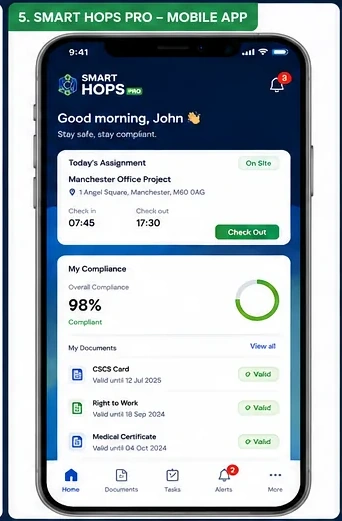
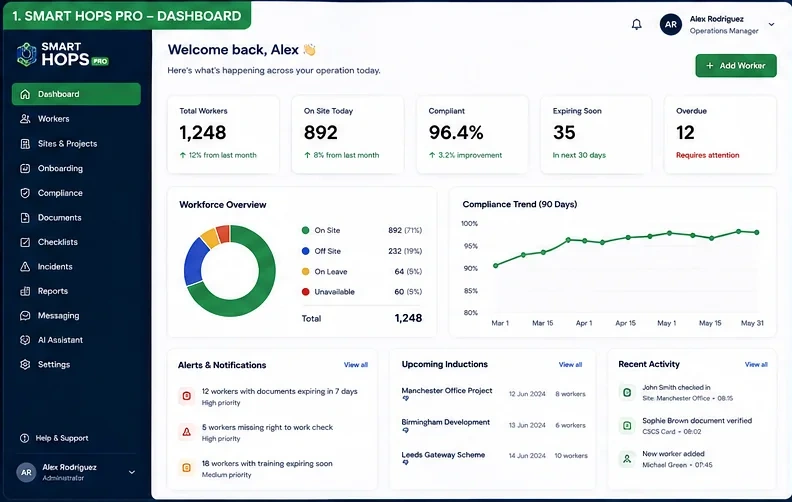
INTERACTIVE PRODUCT WALKTHROUGH
Smart HOPS Pro See it in action.
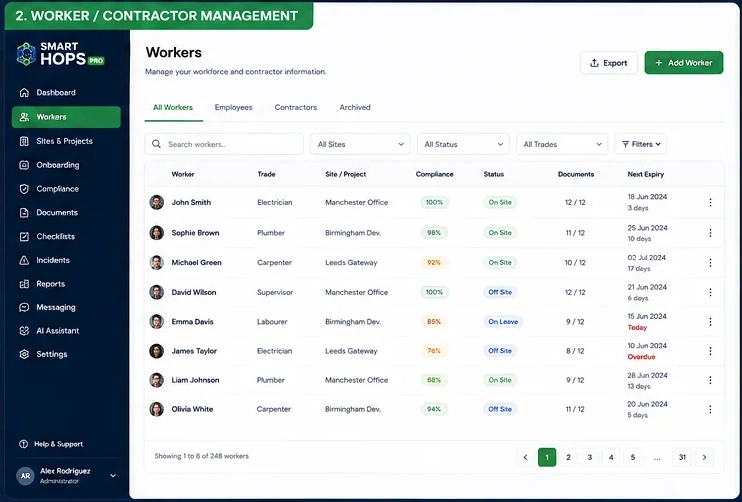
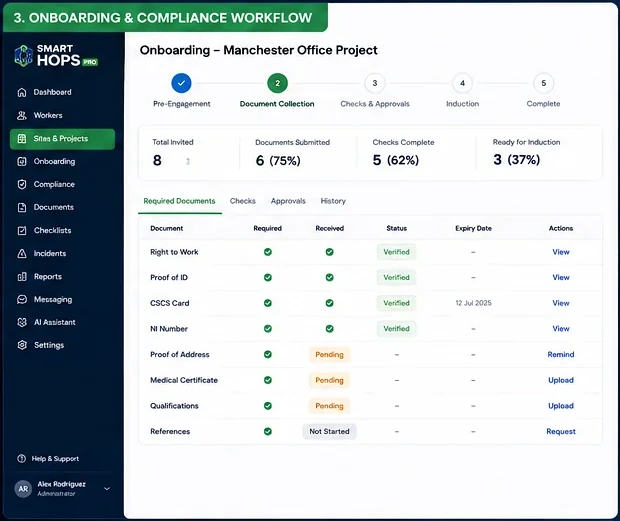
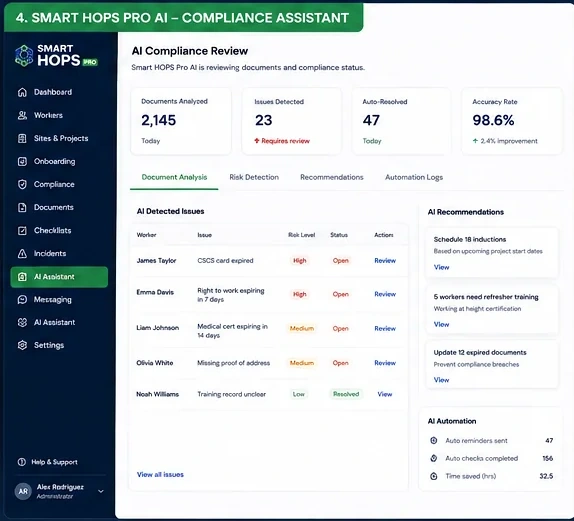
Explore six guided chapters using product interface imagery. Each chapter highlights a different aspect of the product.
STEP 01 OF 06
Overview
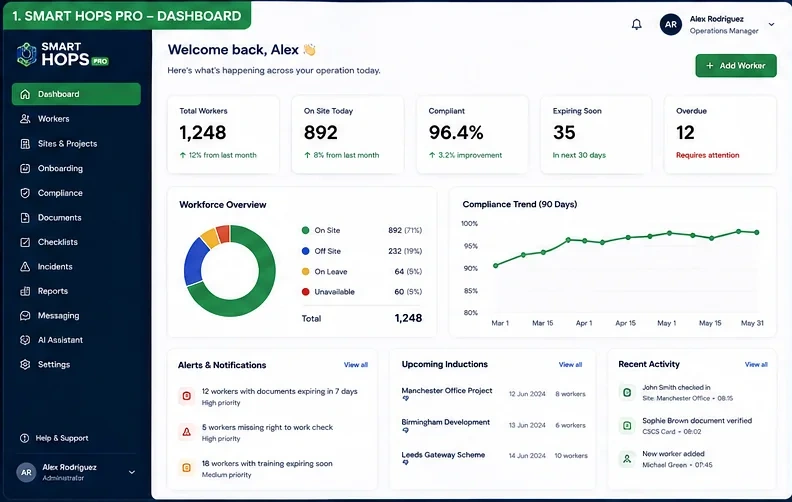
Explore the operational dashboard and its status indicators.
1
Explore this screenPreview the interface, then use the chapter controls to continue.
Interface imagery · Request a demonstration to verify current functionality
See Smart HOPS Pro in your environment
Speak with DGi Smart about a tailored demonstration of the product and your workflows.
Book a demonstration →